Stefan Riedl, once a trained banker, later studied graphic design and is a trainer for all topics related to desktop publishing with over 250 tutorials to his name. For five years, he was editor-in-chief of "Commag" - the online magazine for image editing and web design on PSD-Tutorials.de. As a visual designer, he played a key role in the development of the TutKit.com portal and created its appearance as art director. Stefan's focus is on strategic planning, graphic design and the development of complex user experience designs.

Courses and packages by Stefan Riedl
Design advertising banners: 10 top designs (Photoshop)
For more clicks on your banners!

UX & Customer Journey - practical tutorial
Improve your websites!

Affinity Publisher: Tutorial Basics | Layout, Design, DTP
From blank document to print-ready PDF

Adobe XD Tutorial - Experience Design and Prototyping
How to create interactive designs

Adobe Dimension CC tutorial - 3D for graphic designers
Visualize your designs as a mockup
Applying textures in Photoshop - the creative tutorial
Create spectacular image experiences
Learn InDesign | Video tutorial for beginners
From new document to print-ready PDF

Install, create & apply brushes: Photoshop tutorial
How to make the most of the brush tool!
InDesign Tutorial: Design, print data, PDF, layouts
Designs that put pressure on you!

Create & edit PDF files with Acrobat
Prove true PDF format!

free of charge
InDesign updates: What's new in the Creative Cloud
The latest updates to the point!
Fresh print layouts InDesign: Create print data as PDF
Get to know impressive results from all sides
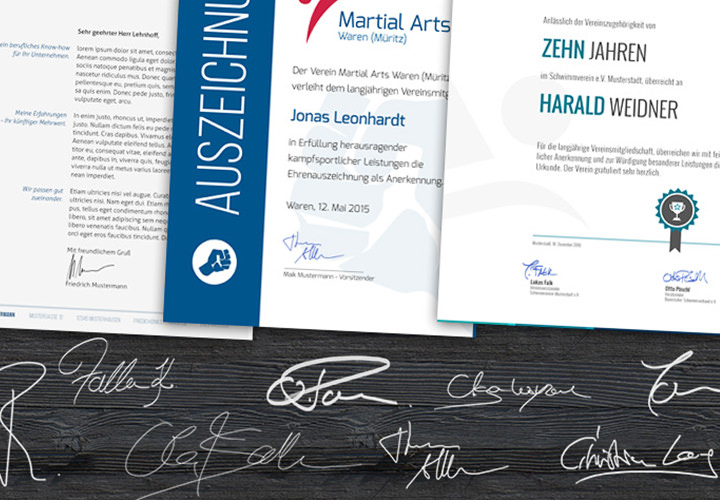
Download: Signature templates
Signature placeholder, campaign and video training

InDesign Tutorial: Layout, Typography, Tables, Scripts, Practice
Rise to five-star professional layout chef

free of charge
InDesign training - Basics & Tricks
Live your layout now!
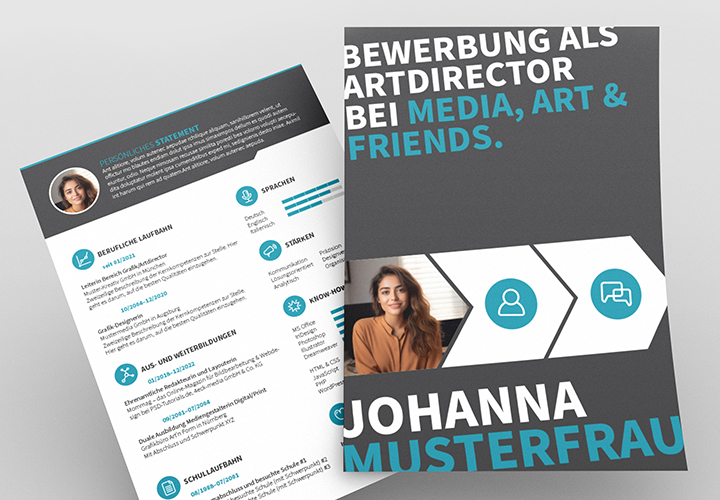
Graphic designer application: sample CV, cover letter
The shortcut to the finished application!
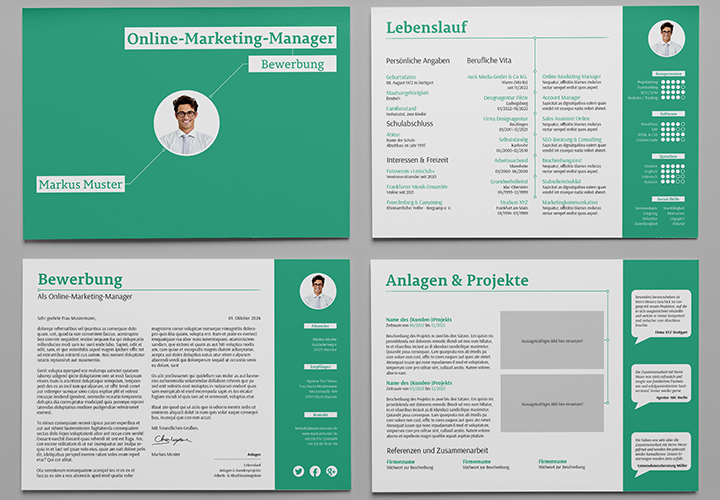
Application, CV landscape format (social media marketing)
Simply edit and send

Cloud photos to replace the sky, as a background
Heavenly, varied views
Mockups for posters and banners | Photoshop | City scenes
Present your designs as if they were printed!
Mockups with smartphones, iPhone X, cell phones
Present websites & apps photorealistically
Blog posts
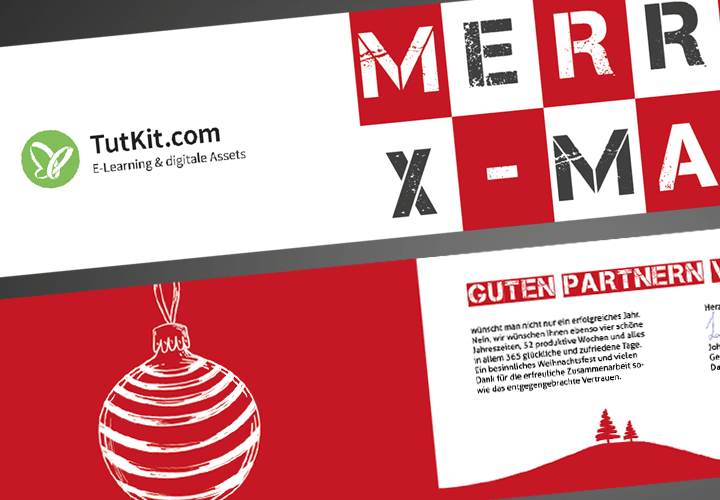
Create a business Christmas card in InDesign - in 10 easy steps
Co-working space, home office, office - the lights, the shadows

Start-up talk with Matthias Petri: Daring to try something new at Müritz
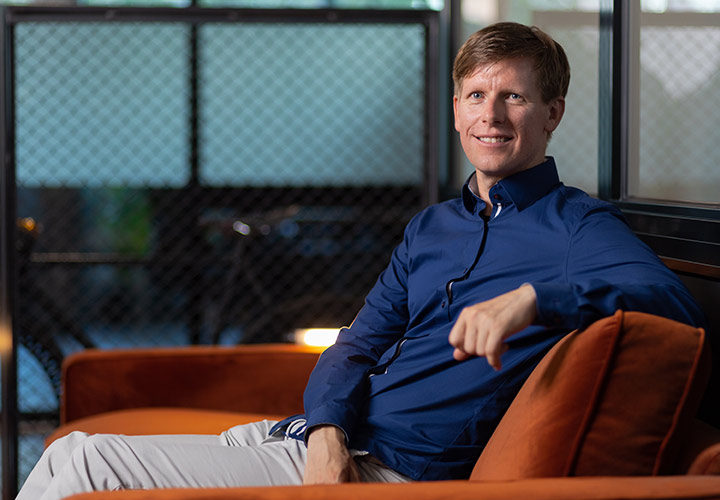
Founder talk with Stefan Petri: Taking the pulse of the digital age
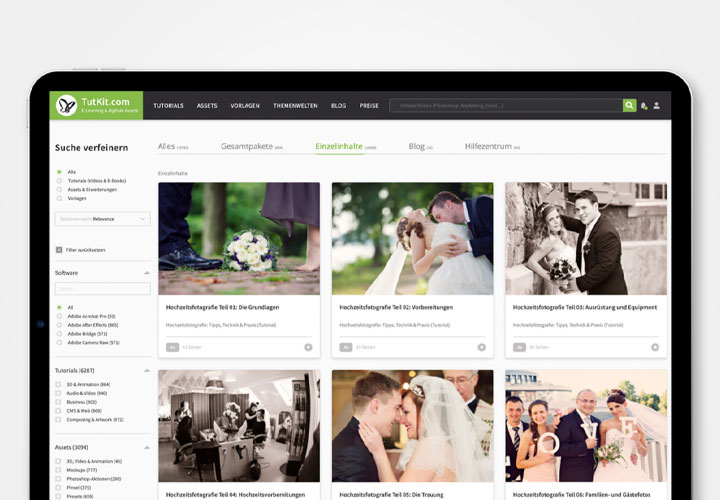
Your content at a glance: the new convenience functions on TutKit.com