
Mockups for presentation slides in 4:3 format

Mockups for presentation slides in 4:3 format

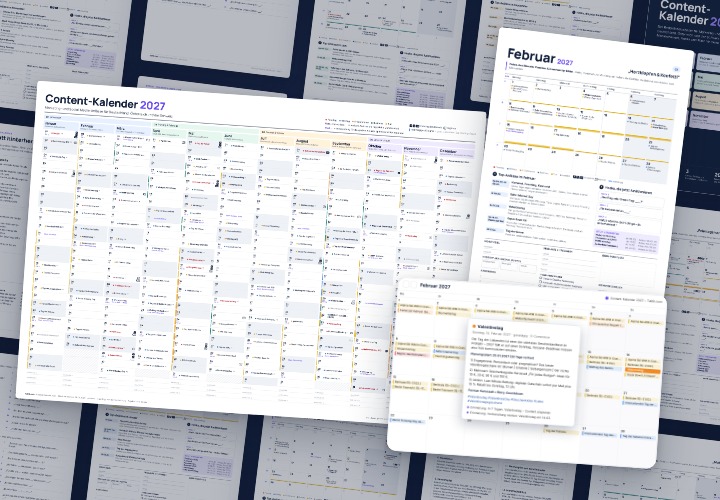
Now your slides will really stand out! Place the 4:3 format slides of your presentations on floating cards and create aesthetically high-quality visualizations. It's so easy - with the help of these 20 Photoshop mockups. And looks damn good - for example in blog articles or on your website.

  • 20 Photoshop mockups for slides of presentations in 4:3 format
  • Place PDFs or screenshots of your slides on floating cards
  • Photoshop automatically adjusts the orientation and perspective of your slides
  • Change the background and the arrangement of the cards if required
  • Use the visualizations in blog posts, presentations or on websites, for example

Floating lightness for your foils: get the mockups first and then be inspired by the versatile application possibilities!

content

20 items

Mockups for presentations with isometric representation

Mockups for presentations with different orientations

Examples of use

  • Photoshop mockups for presentation slides in 4:3 format: workflow for insertion
    Open gallery
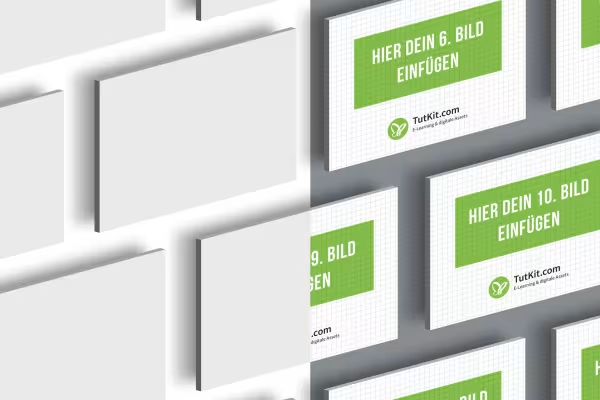
    Example: Simply insert and let it take off: The floating cards are waiting for your slides!
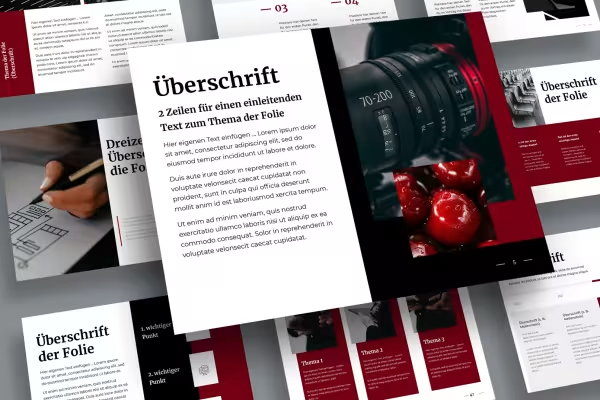
  • Photoshop mockups for presentation slides in 4:3 format: Example of a presentation on a mockup with free-floating cards
    Open gallery
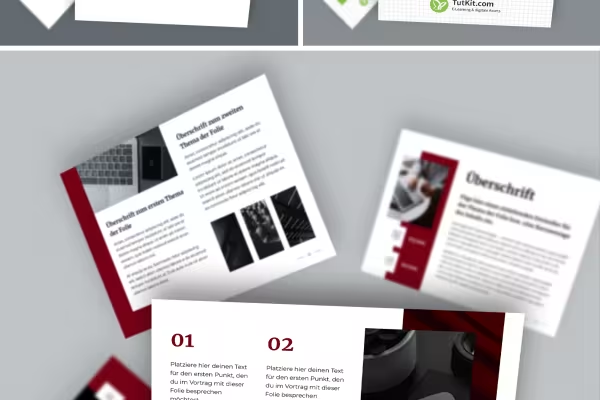
    Example: Use displays like this to present your slides floating in space.
  • Photoshop mockups for presentation slides in 4:3 format
    Open gallery
    Example: You can insert the slides via a PDF or screenshots.
  • Photoshop mockups for presentation slides in 4:3 format with cards in different orientations
    Open gallery
    In these 10 mockups, you can freely move the cards with your slides.
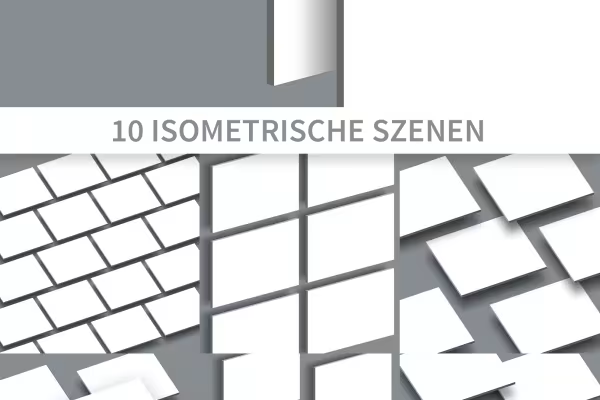
  • Photoshop mockups for presentation slides in 4:3 format in isometric view
    Open gallery
    These 10 mockups are based on an isometric representation of your slides.

help video for application

Photoshop instructions: How to insert your slides into the mockups

Select the desired mockup and insert screenshots or PDFs of your slides. They will then appear on free-floating cards. In this video tutorial, Matthias Petri explains exactly how to use our mockups for slides in 4:3 format and what else is possible.

12 minutes · free of charge
Comments (0)

Comment now „Mockups for presentation slides in 4:3 format“